





All your websites at a glance
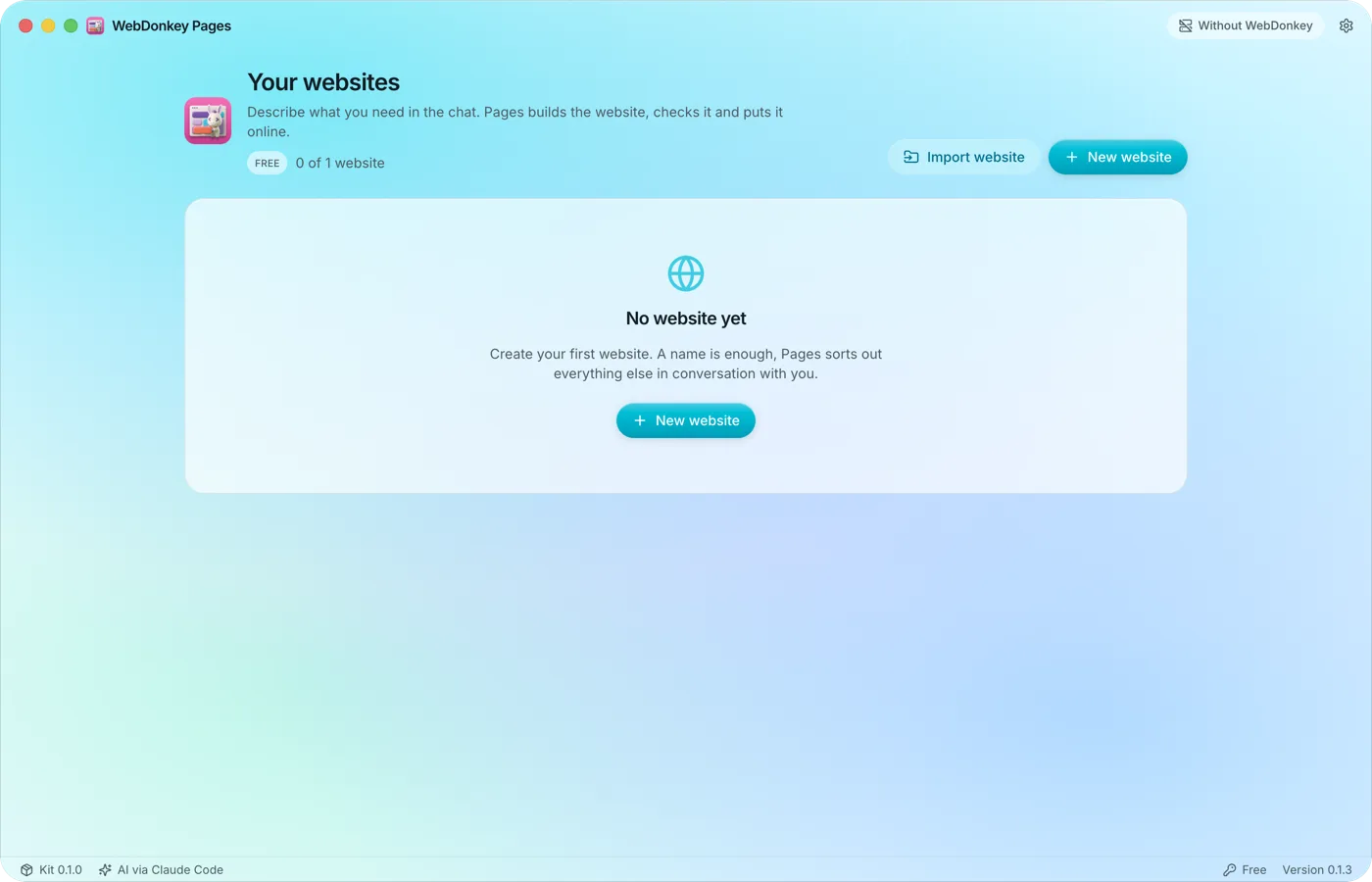
The overview is the start view of Pages: every website as a card with name, status and date, and above them your package and how many websites are in use. Active websites count, drafts included.
Free costs nothing and has no time limit. macOS 11 or later, Apple silicon and Intel.
In detail
New websiteFree & Pages package
Enter a name of up to 80 characters and choose the AI access: as in Settings, always Claude Code, or the Claude API with a key of its own, such as your client's. The name becomes the folder. Free has one website, a Pages package as many as your allowance covers.
Edit website
You can change name and AI access at any time, even for an archived or locked website. The folder stays the same when you rename. A website's own API key stays encrypted in Pages on this Mac and is only sent to Anthropic.
Import websiteFree & Pages package
Brings back a website you backed up with Pages, as a folder or a ZIP file. Pages takes over data, design, photos, chat and history, plus server, port, user and web folder for publishing, creates the website anew and builds it with the current version, no AI needed. You choose the AI access as when creating a website, and if the name is taken, Pages suggests a free one. A backup never contains a password, and the allowance applies as when creating a website.
Take over an existing websiteFree & Pages package
If you choose the folder of a website built with the Page Builder toolkit under Import website, Pages takes over its photos, fonts and favicons and has the AI rebuild it step by step, with the copy taken from the original, in 30 to 90 minutes depending on size. The AI only starts once you click Start takeover in the workspace, and you can stop and continue later at any time. Pages lists what is not taken over. The original stays untouched.
Export a backup
Export backup in the Publish website window puts the whole website with data, design, all photos, chat and history as a ZIP into your Downloads folder, plus server, port, user and web folder for publishing. It always works, in Free too and for an archived or locked website. Passwords and API keys are not included.
Website statusFree & Pages package
Every card carries a badge: Draft, Published, Open facts, Update pending, Locked or Folder missing. Open facts means something is listed under Still missing, or the domain or host is missing. Update pending means the published website has changed since or a newer kit is installed: publish it again. A website is locked when your package has no place for it; the oldest ones stay active. Viewing and exporting still work, and editing does again once a place is free.
ArchiveFree & Pages package
Archiving saves the website as a ZIP in its folder and frees its place in your allowance. Viewing and exporting still work, and you reactivate it once a place is free.
What does Free include?
This feature comes in Free and in Premium. Where Free ends is set out in the details and in the comparison.
Compare Free and Premium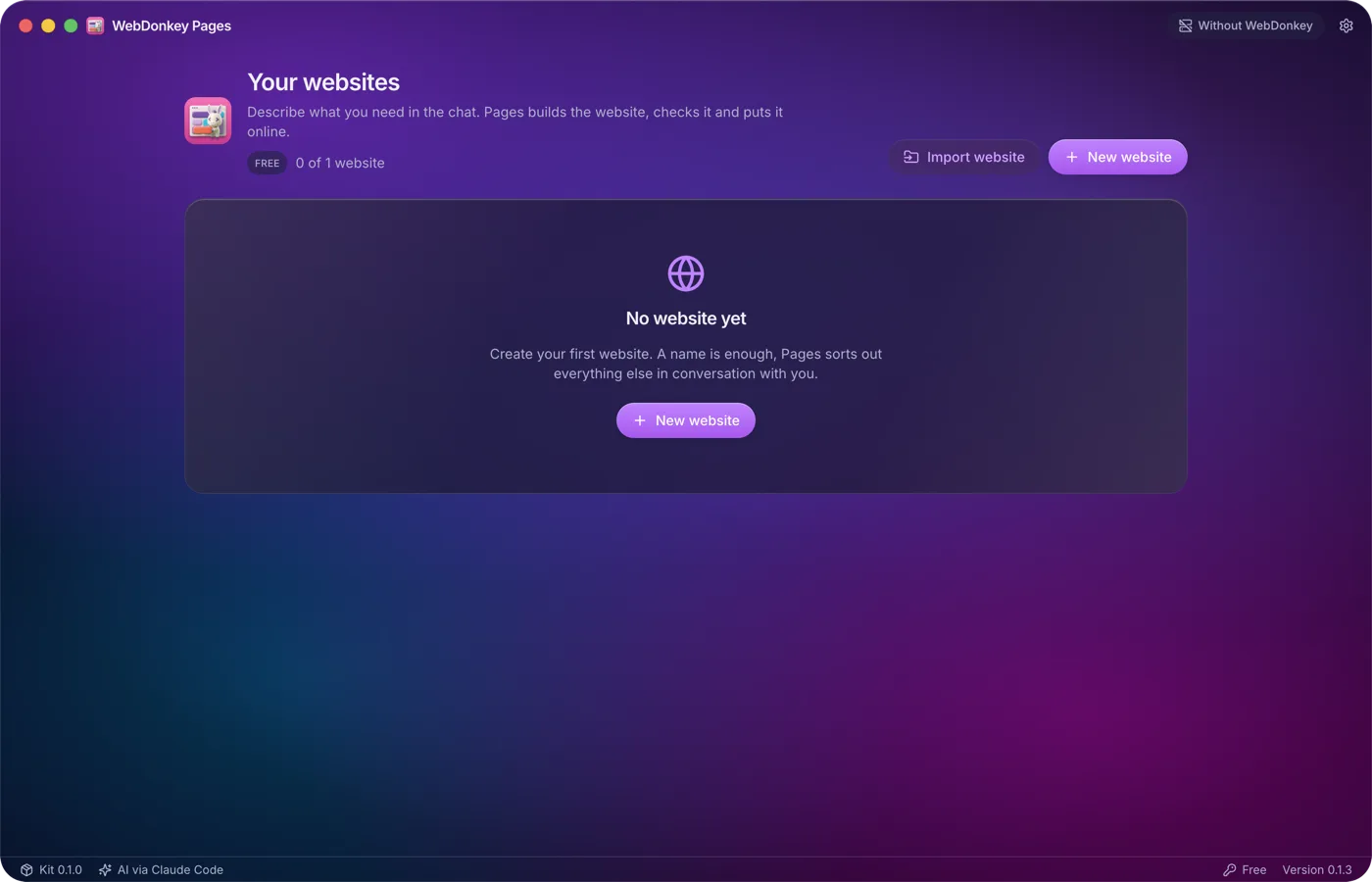
Try it on your own project.
Free costs nothing and has no time limit. macOS 11 or later, Apple silicon and Intel.
