





Your own photos, drag and drop
Drag photos from Finder into the window and tell the AI in the chat where they should go. All photos of a website are listed in the Pages tab. Without photos Pages designs the website with type, colour and shapes and asks you for some.
Free costs nothing and has no time limit. macOS 11 or later, Apple silicon and Intel.
In detail
Add photos
Drag one or more photos into the window and let go. Pages copies them into the website's folder and gives them simple lower-case file names; the original in Finder stays unchanged.
Use photos
The AI only knows the photos by their file names. Give the name and briefly describe what the photo shows; that also becomes the alternative text for screen readers. Tiles labelled in use are used on the website.
Delete a photo
A photo that isn't used anywhere goes with one click. If it is in use, Mention in chat puts a suggestion into the input field, and afterwards you can delete it. Pages keeps the last 40 deleted photos, and an earlier state brings them back.
What does Free include?
This feature is fully included in Free. No licence and no time limit.
Compare Free and PremiumGoes well with this
-
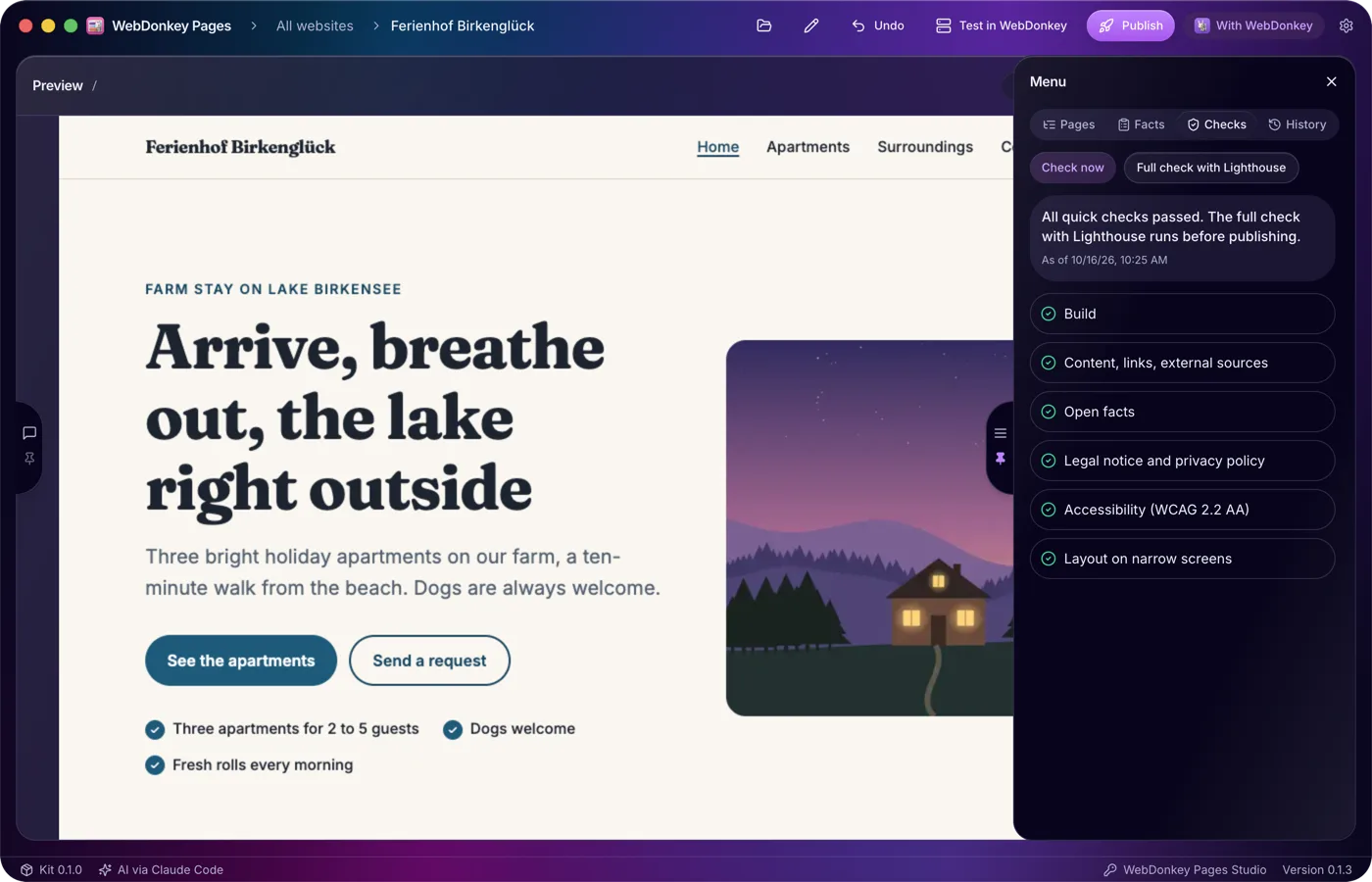
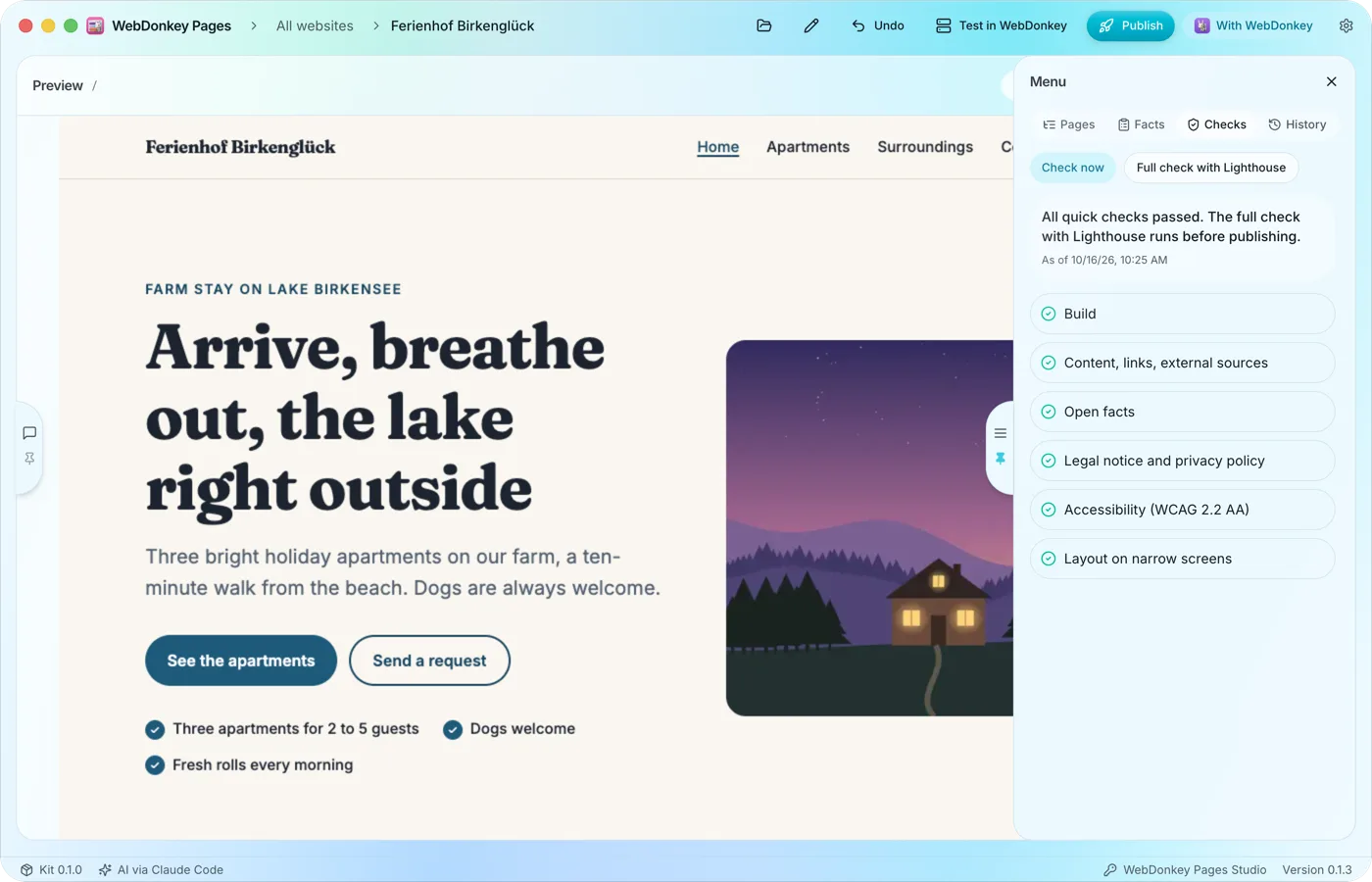 Checked after every changePages checks the website by itself: build, content and links, external sources, the details required for the legal notice and privacy policy, accessibility and the layout on narrow screens. Before publishing, the full check with Lighthouse is added.
-
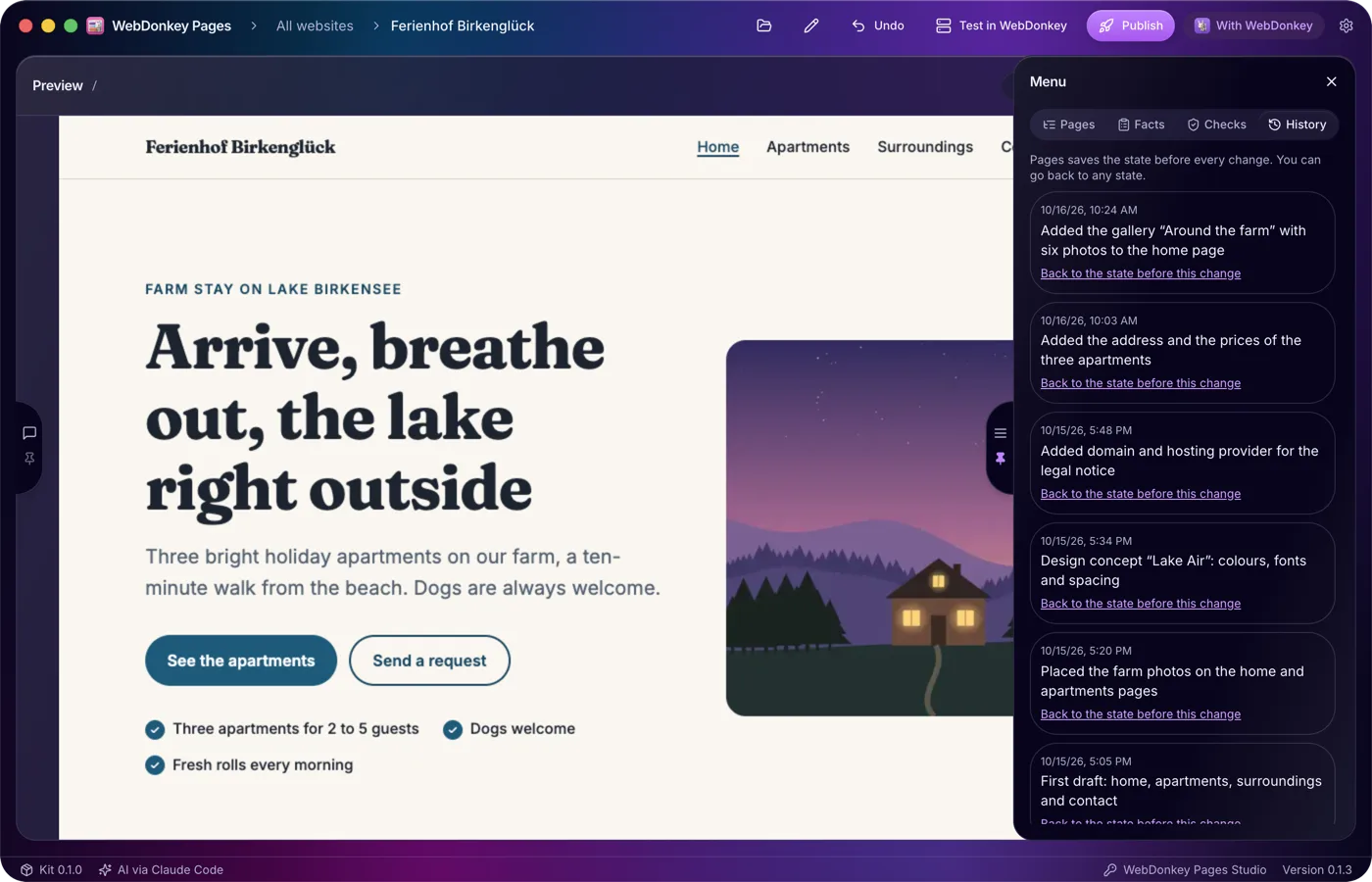
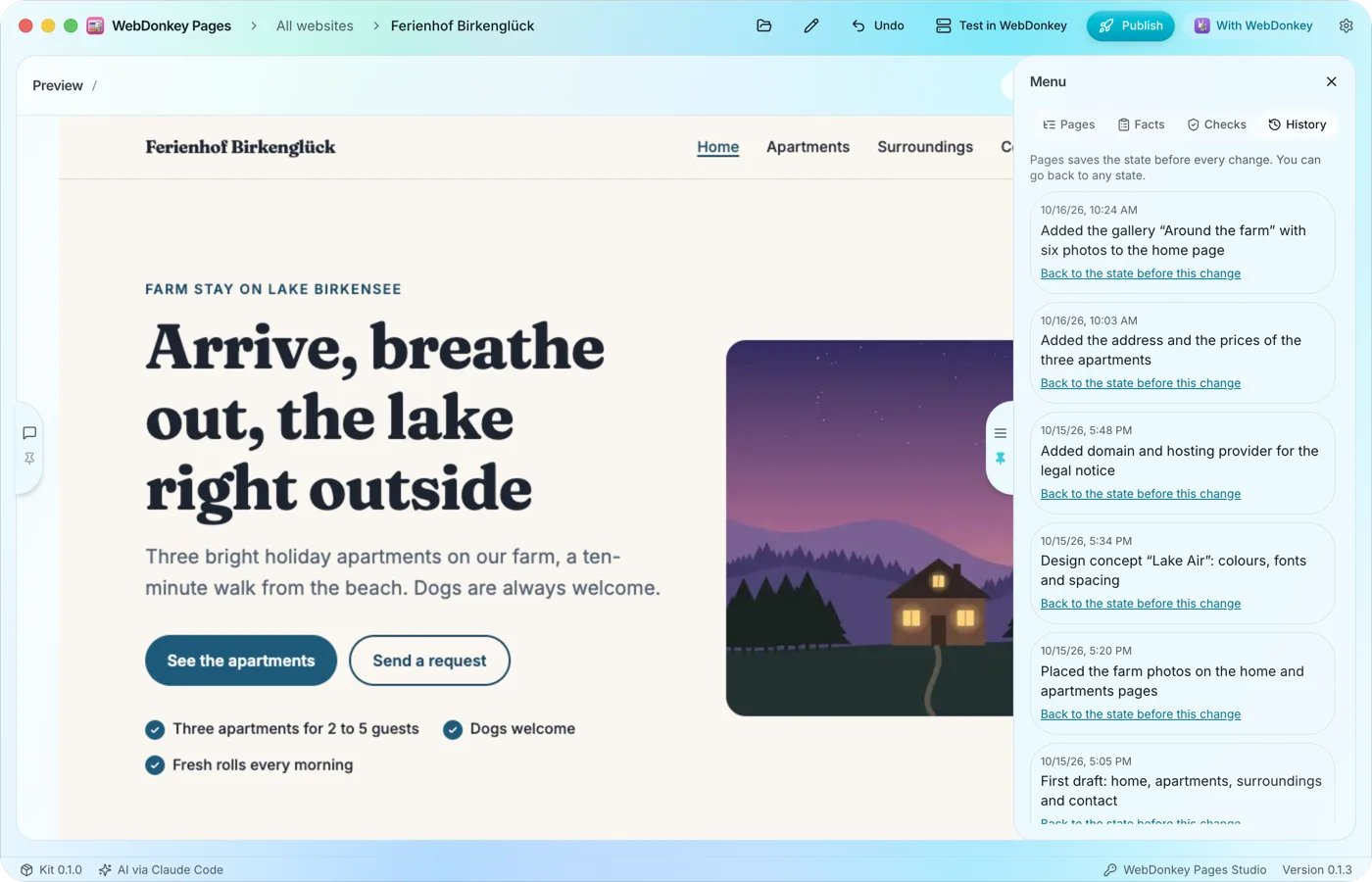 Every state can come backBefore every change Pages saves the state of your website. The History tab lists these states, newest first, and takes you back to an earlier one in two clicks.
-
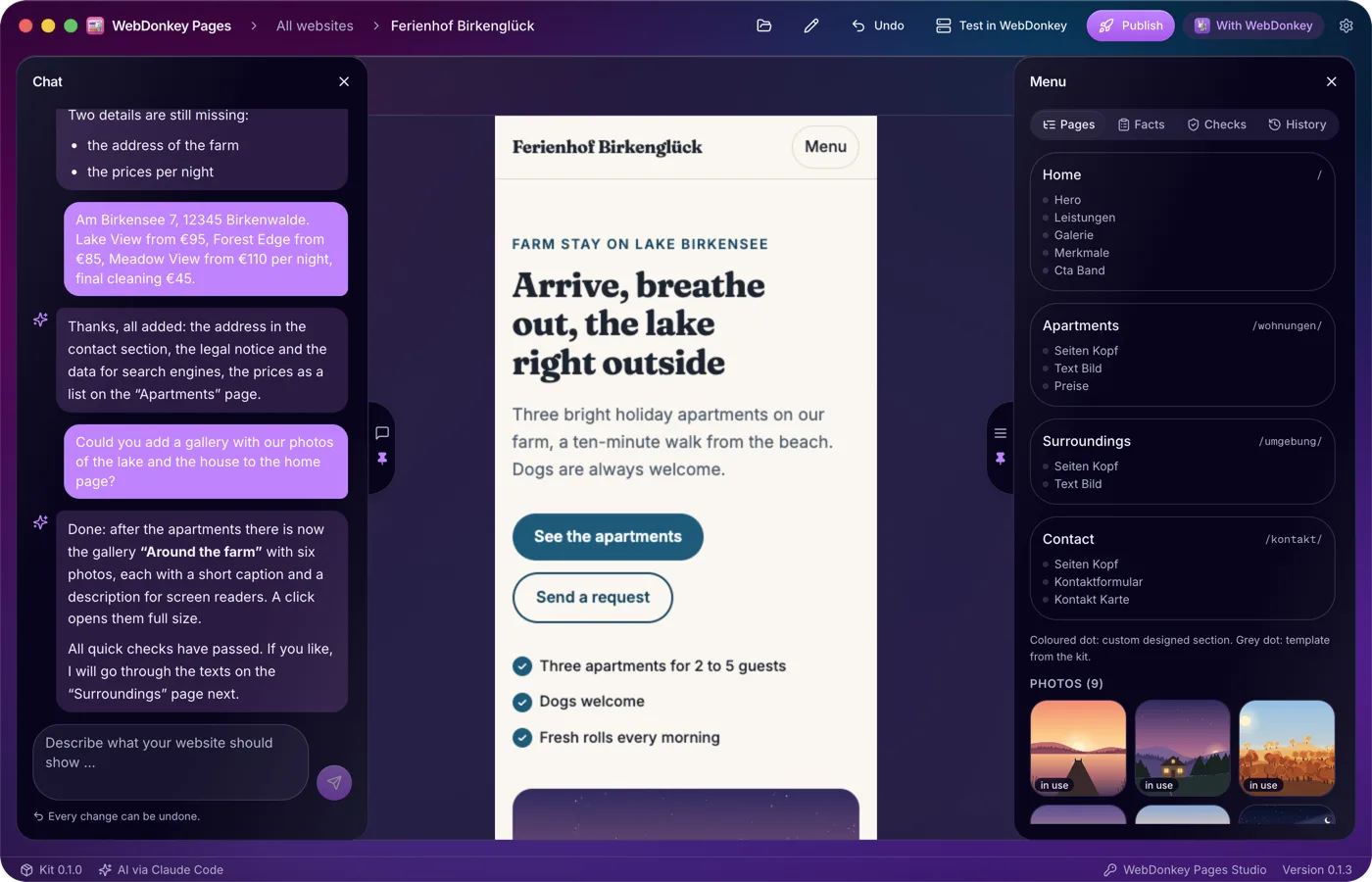
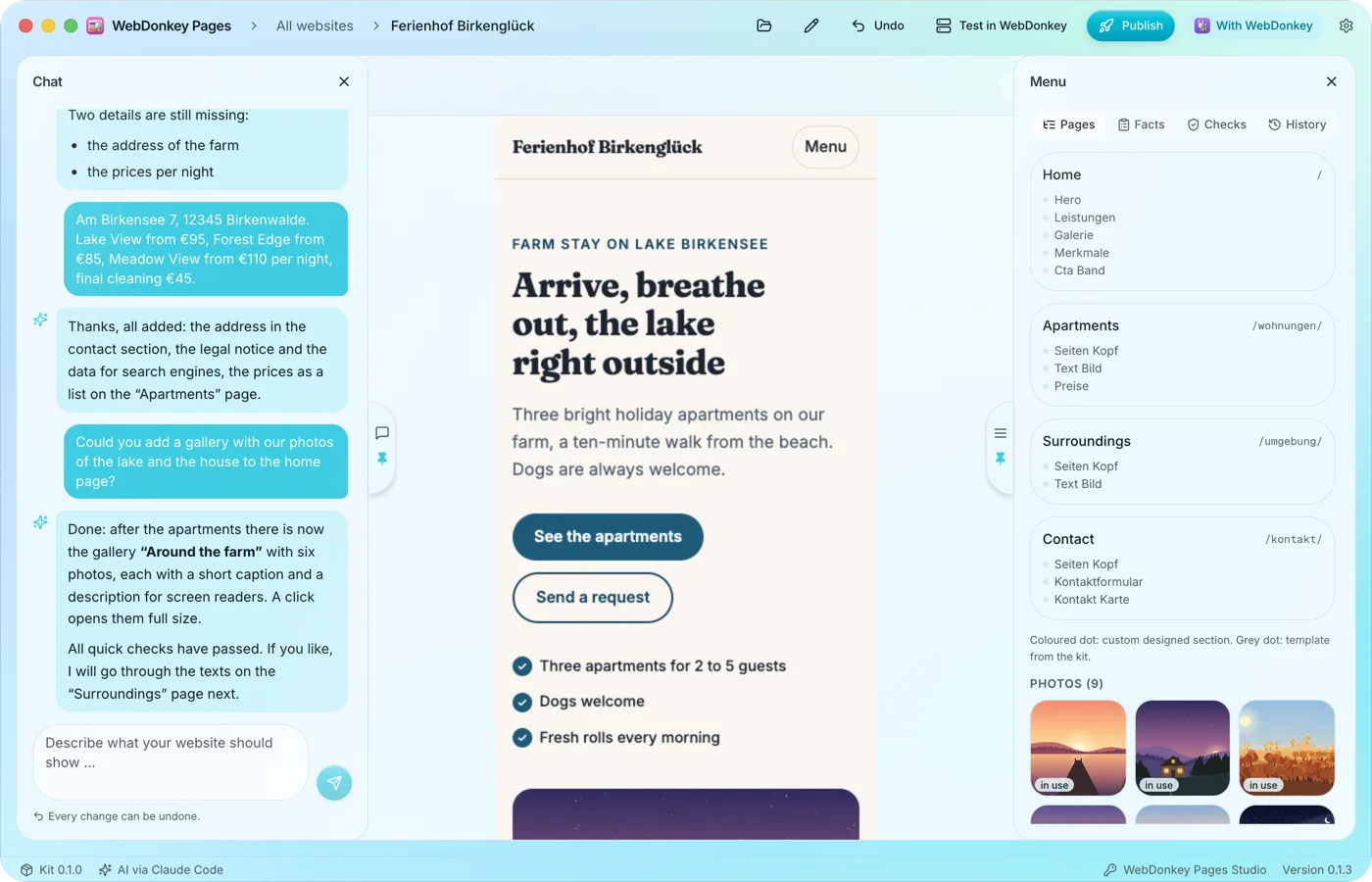 The preview at full widthWhen you open a website, the preview takes up the full width. The chat sits on the left, the menu with pages, facts, checks and history on the right, and both slide open when you move the pointer to their handle at the edge. The workspace is fully included in Free.
-
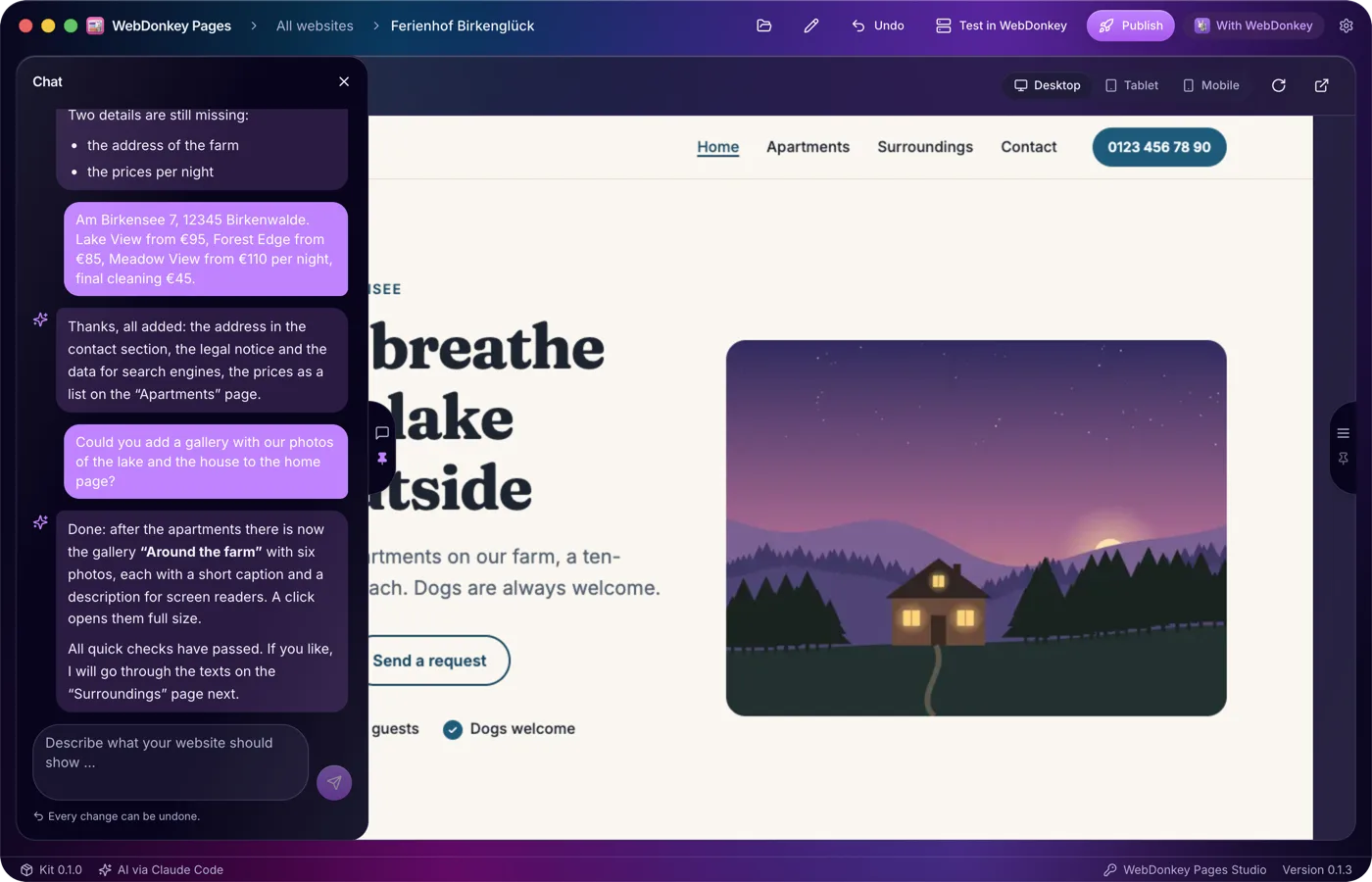
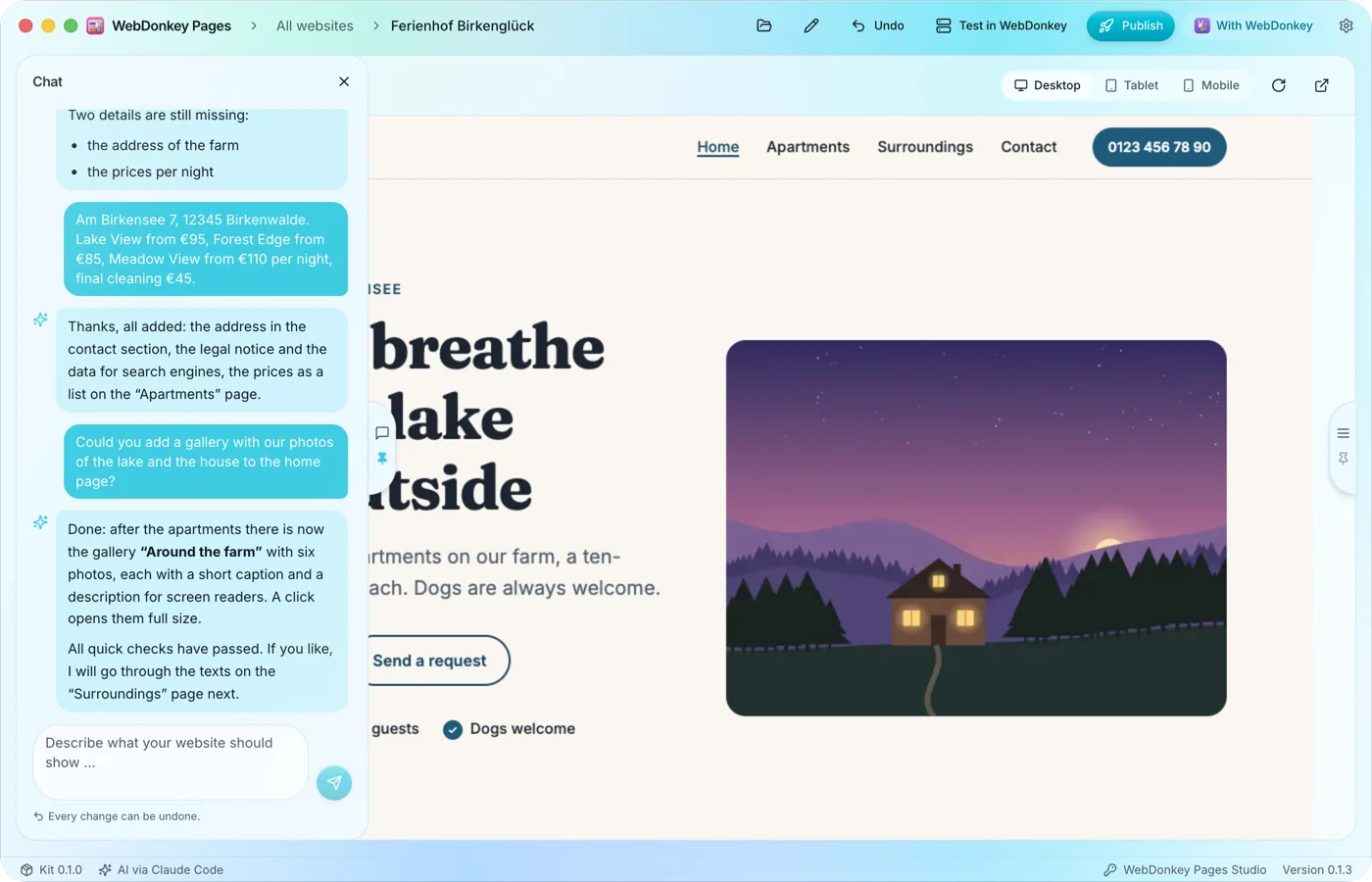 Just say what the website should showIn the chat you describe in your own words what you offer, for whom and where. The AI turns that into pages, copy and a design of its own, has the result checked and tells you briefly what it changed and what it still needs to know.
Try it on your own project.
Free costs nothing and has no time limit. macOS 11 or later, Apple silicon and Intel.
