





The colours of the app
Themes set the colours of Pages itself, not those of your website. A theme of your own is four decisions: light or dark, a background and two accents. Pages derives every other colour from these, like WebDonkey.
Free costs nothing and has no time limit. macOS 11 or later, Apple silicon and Intel.
In detail
Choose a theme
A click applies the theme right away. Built in are Aurora (dark), Arctic (light) and System, plus Follow WebDonkey when WebDonkey is there. Add ready-made presets, your own themes and, with WebDonkey, copies of your themes from there.
Theme editor
Name, a dark or light base, background, accent and second accent, plus an icon. A large preview shows text, muted text, status colours and buttons in these colours. Any built-in theme or preset can be edited as a copy.
Theme gallery
Themes other people shared, sorted by new or popular, with a fuzzy search. Pages only loads the list from webdonkey.io when you click. Take over puts a copy under Your themes.
Submit to the galleryPages package
Share your own themes with others. They appear once they have been checked and approved, and your name is never shown. At most three submissions wait at the same time, and you can withdraw a waiting one at any time.
What does Free include?
This feature comes in Free and in Premium. Where Free ends is set out in the details and in the comparison.
Compare Free and PremiumGoes well with this
-
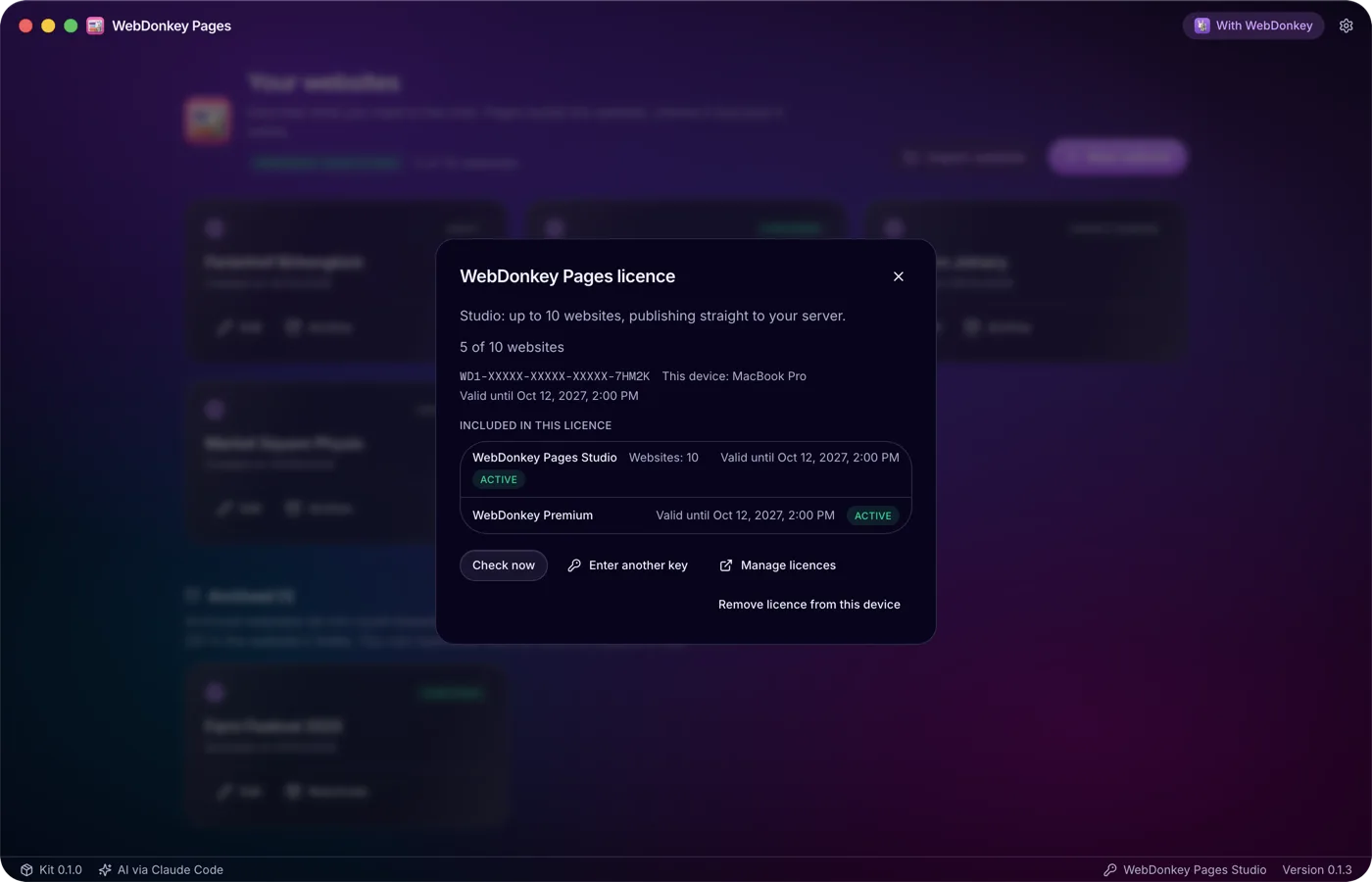
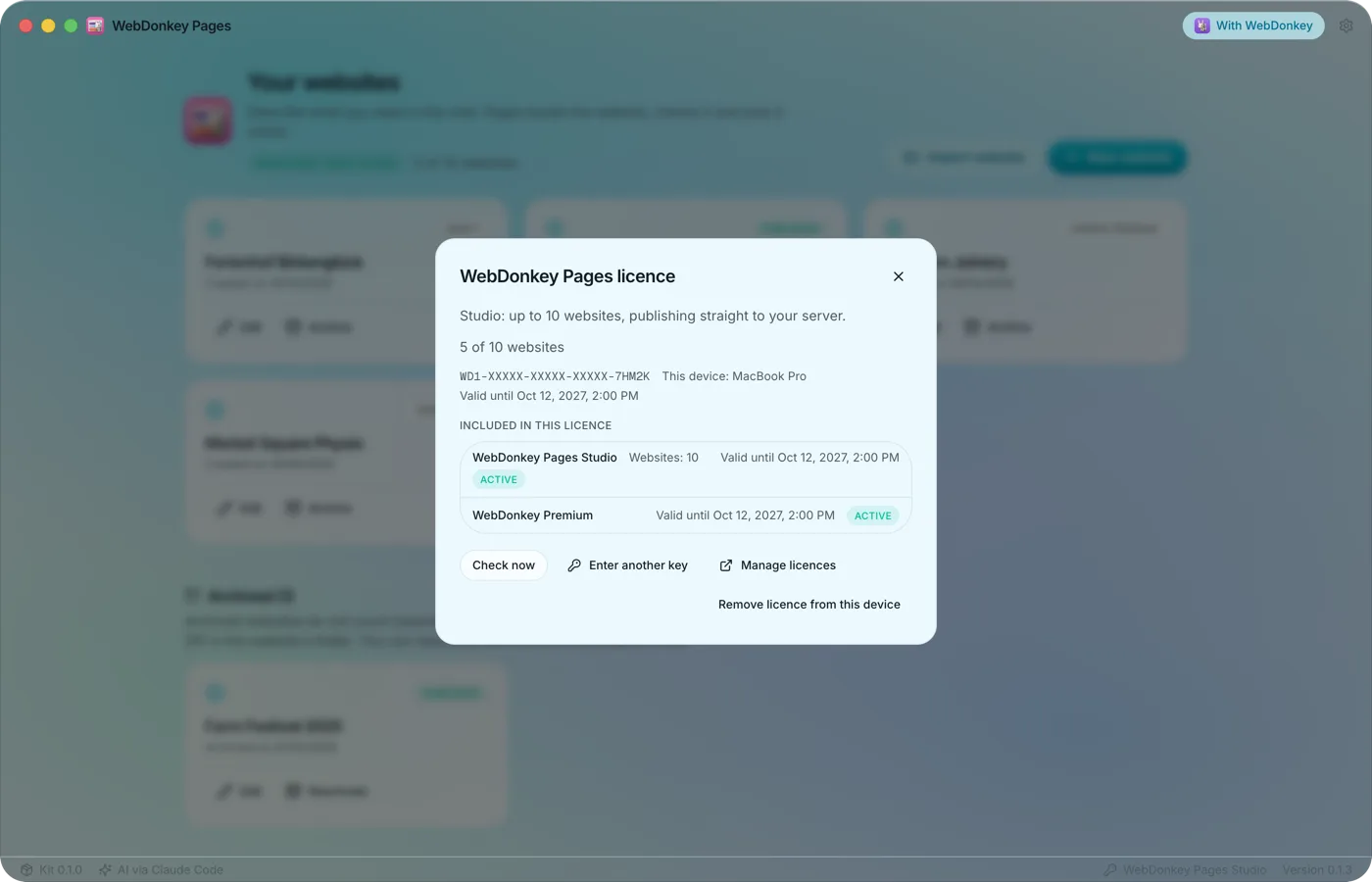 A package for more websitesWithout a licence you build, check and back up a website and export it as a ZIP. With a Pages package you create more websites and publish straight to your server. Pages checks its licence with the shop itself, independently of WebDonkey, and syncs it every 10 minutes.
-
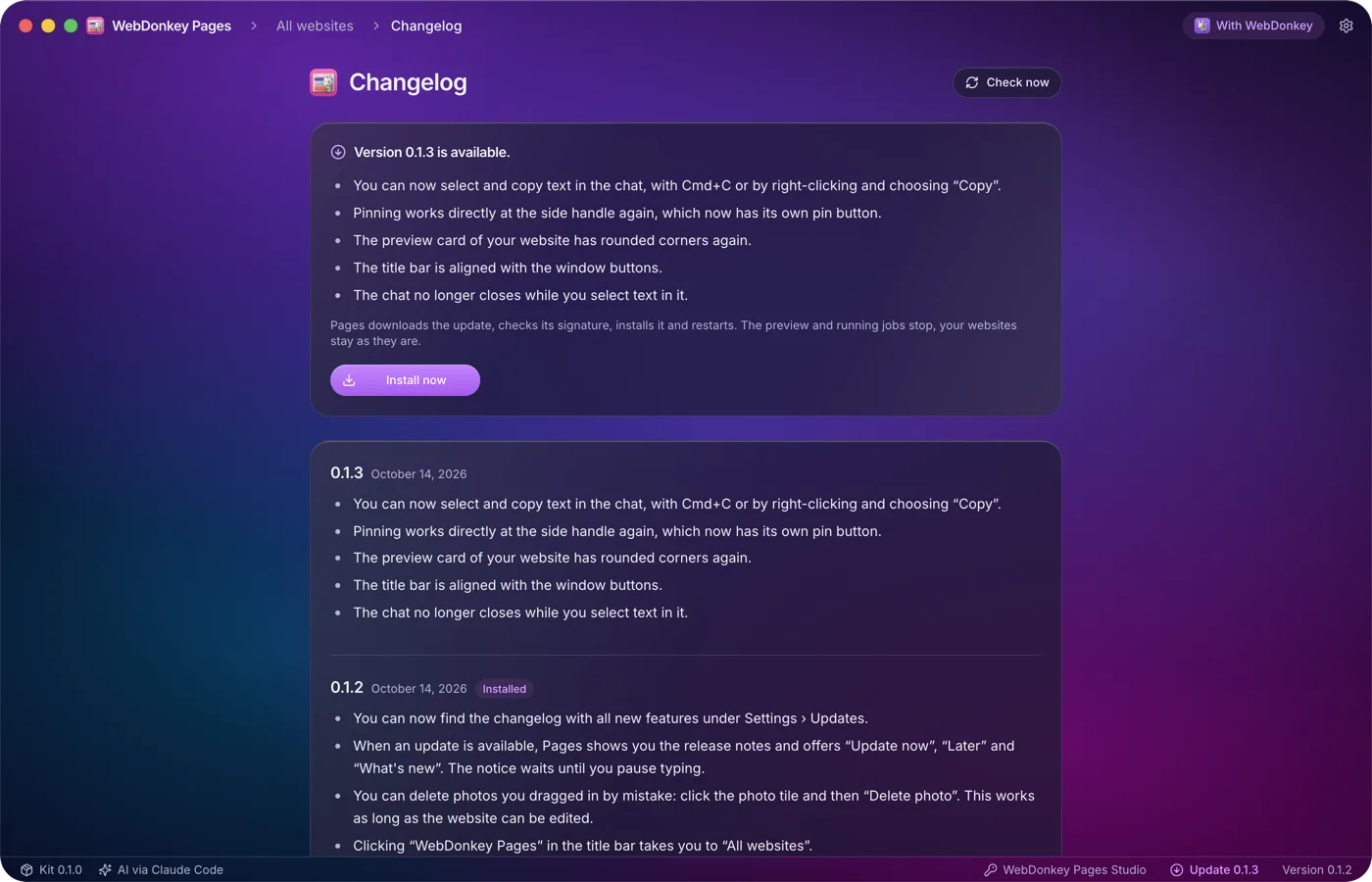
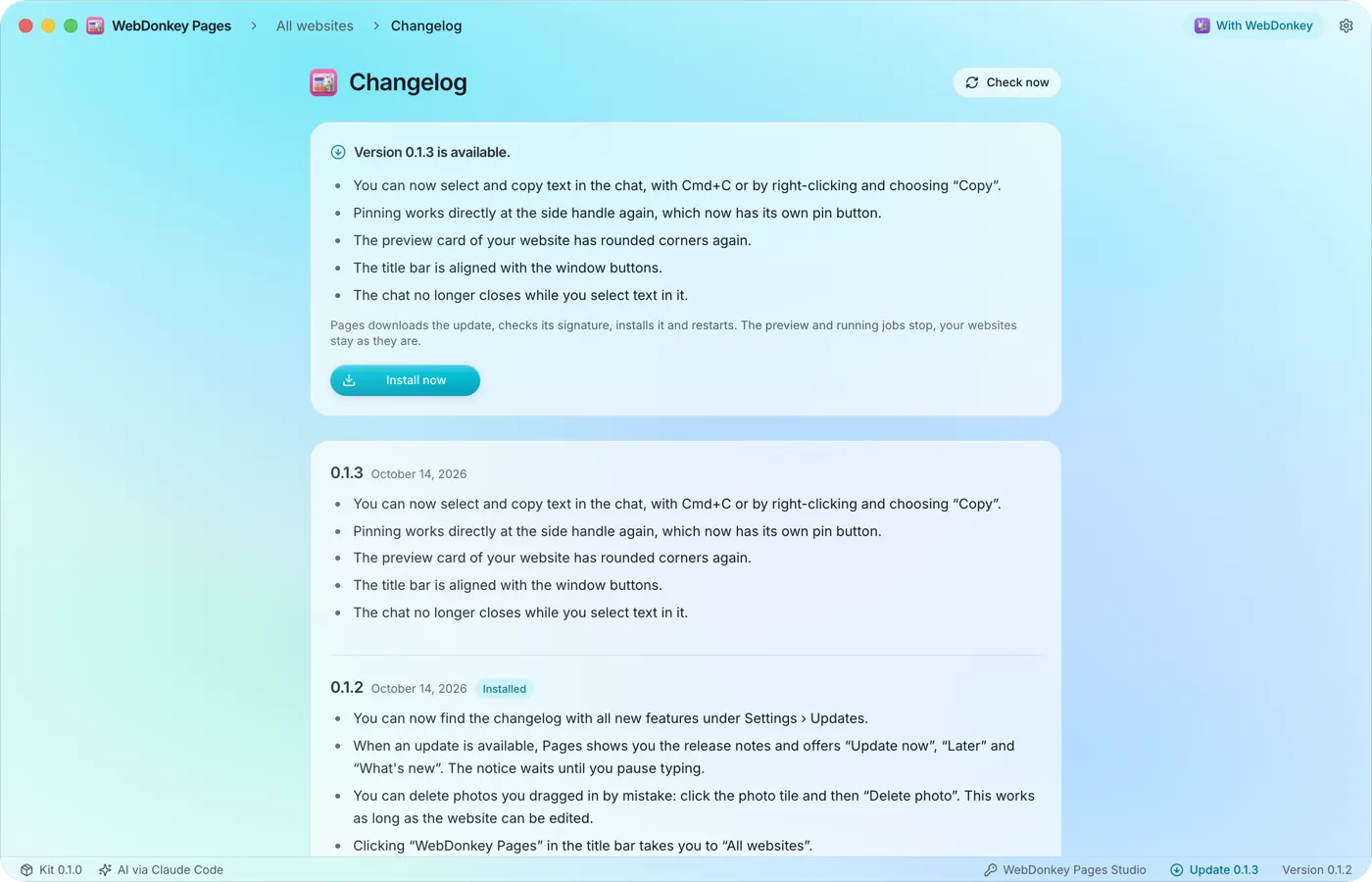 Updates when you clickPages looks for new versions by itself, shortly after launch and then every 10 minutes. It only installs when you click, because the restart stops the preview and running jobs. Your websites stay as they are.
-
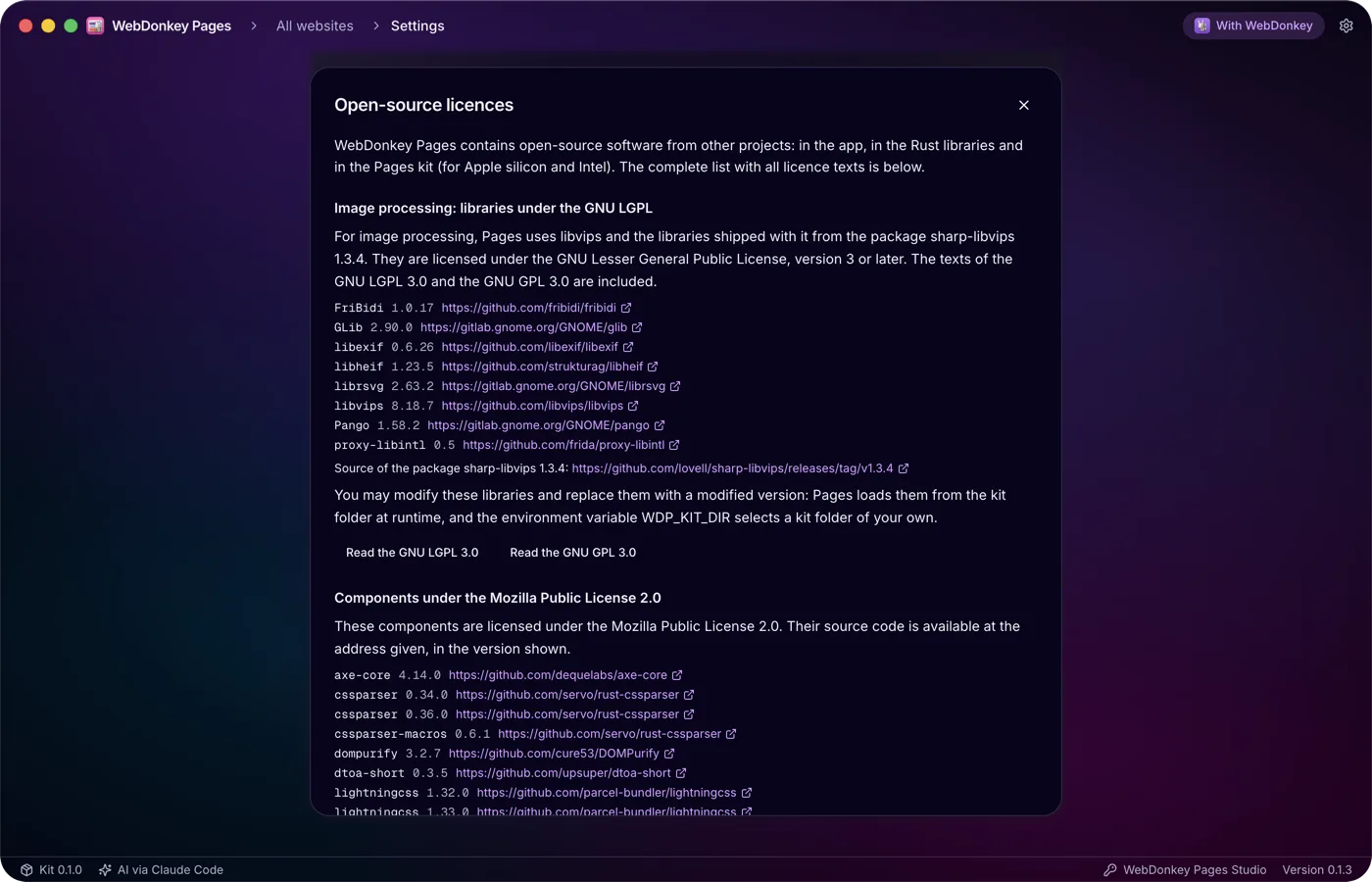
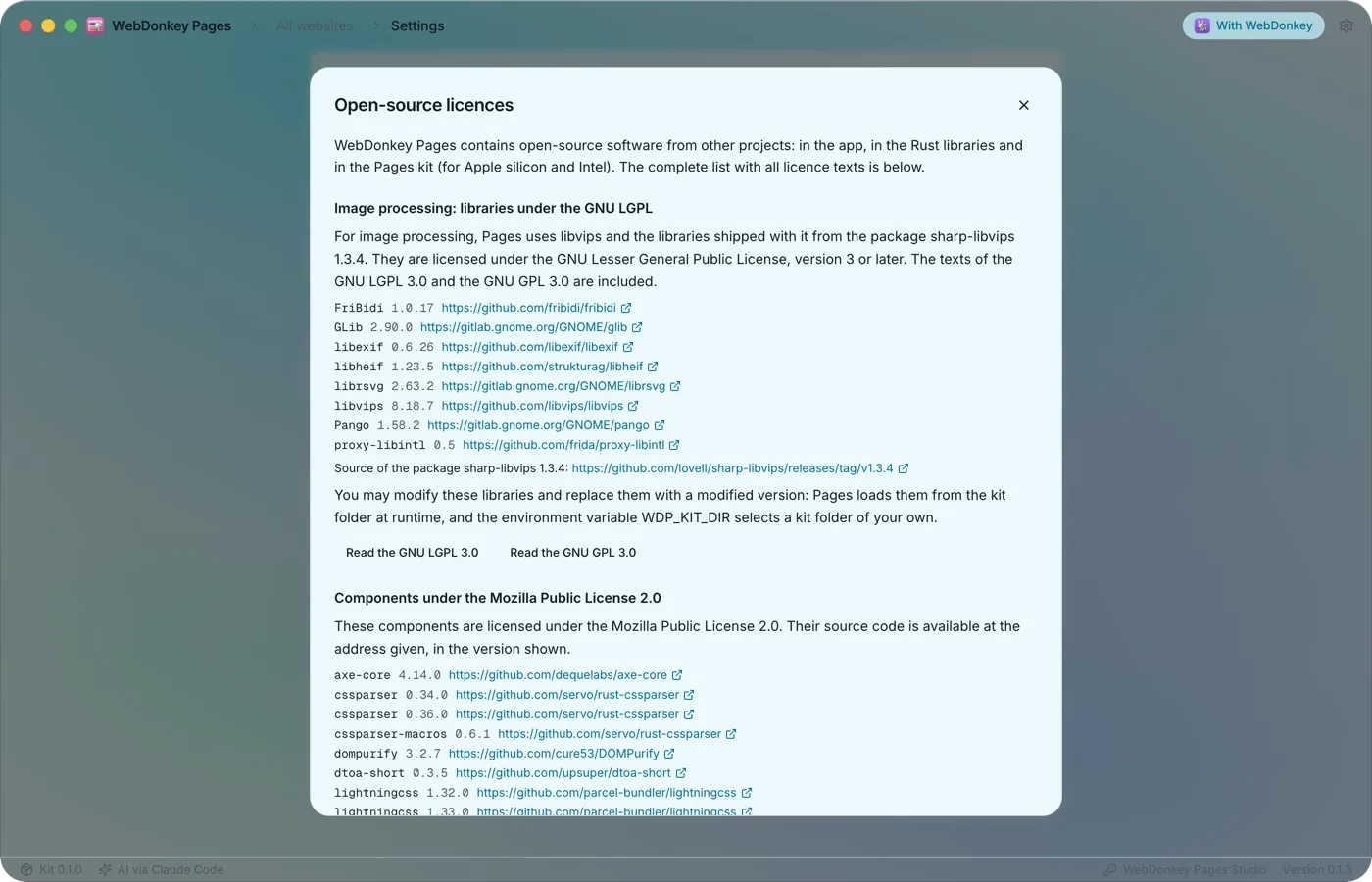 Open source and your dataLegal and open source lists every open-source component in Pages with its licence and the full licence text. Plus when Pages goes online and what stays on your Mac.
-
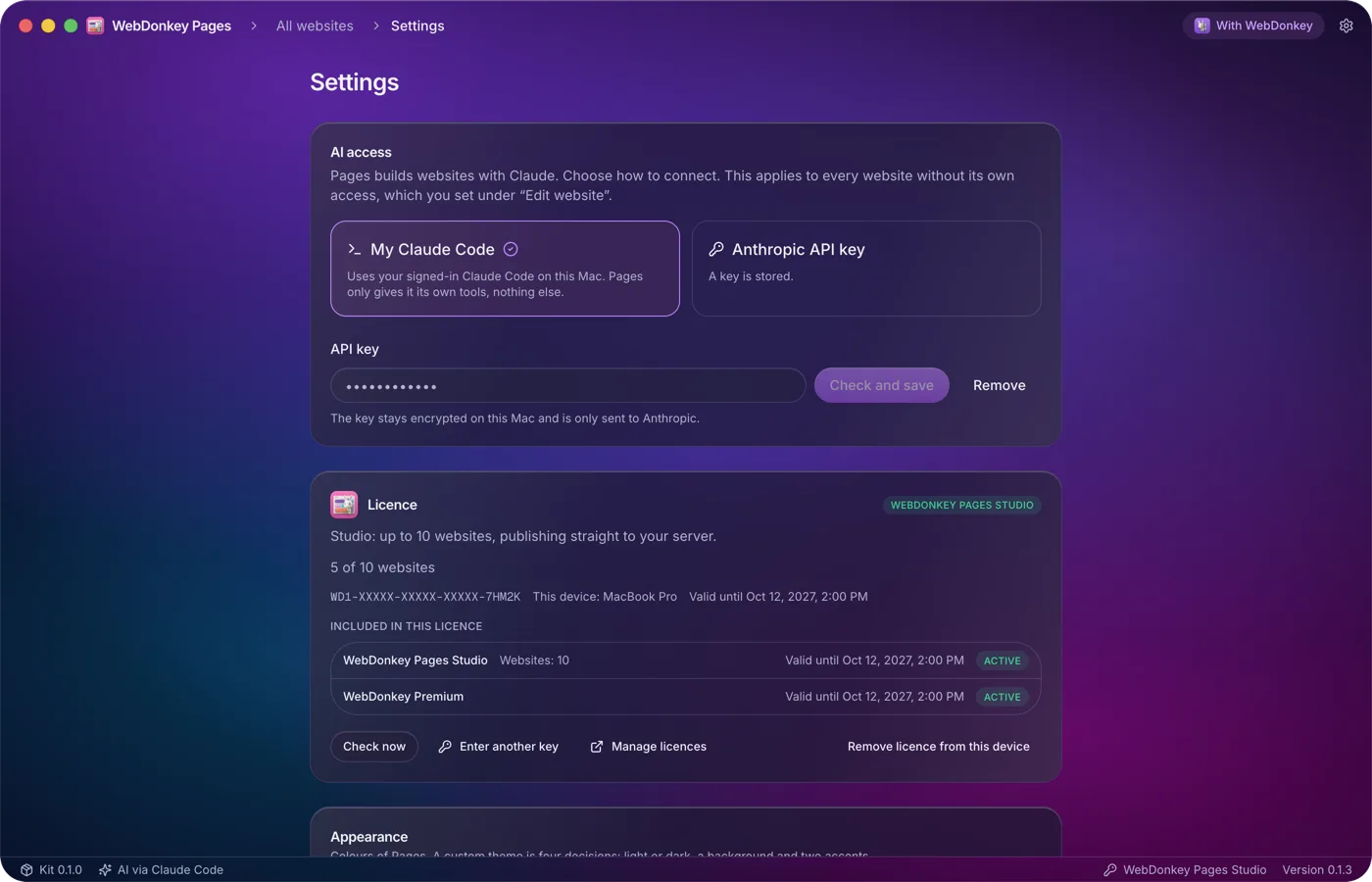
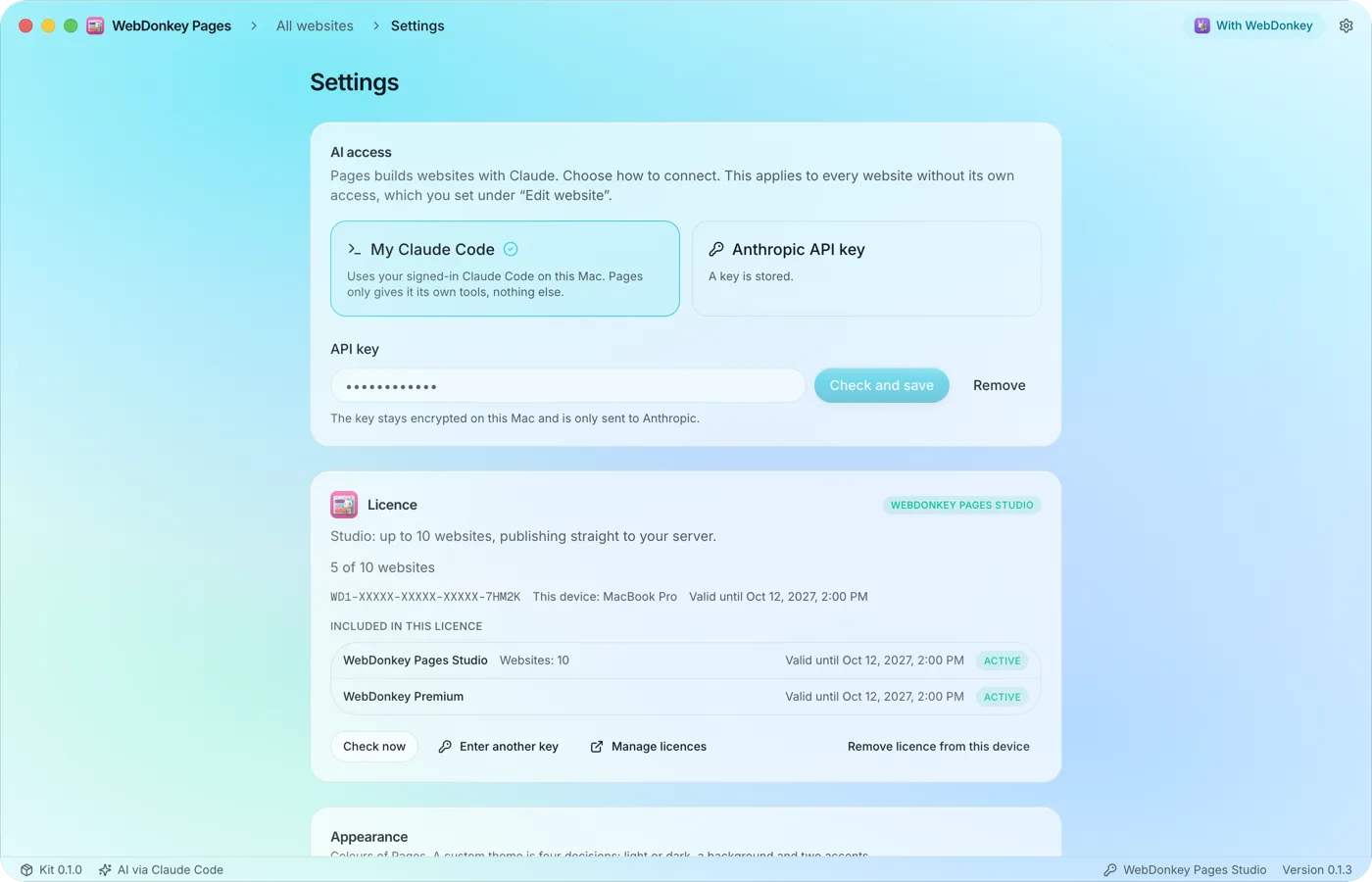 AI access and technologyThe gear at the top right opens Settings, from top to bottom: AI access, licence, appearance, updates, technology, and legal and open source.
Try it on your own project.
Free costs nothing and has no time limit. macOS 11 or later, Apple silicon and Intel.
